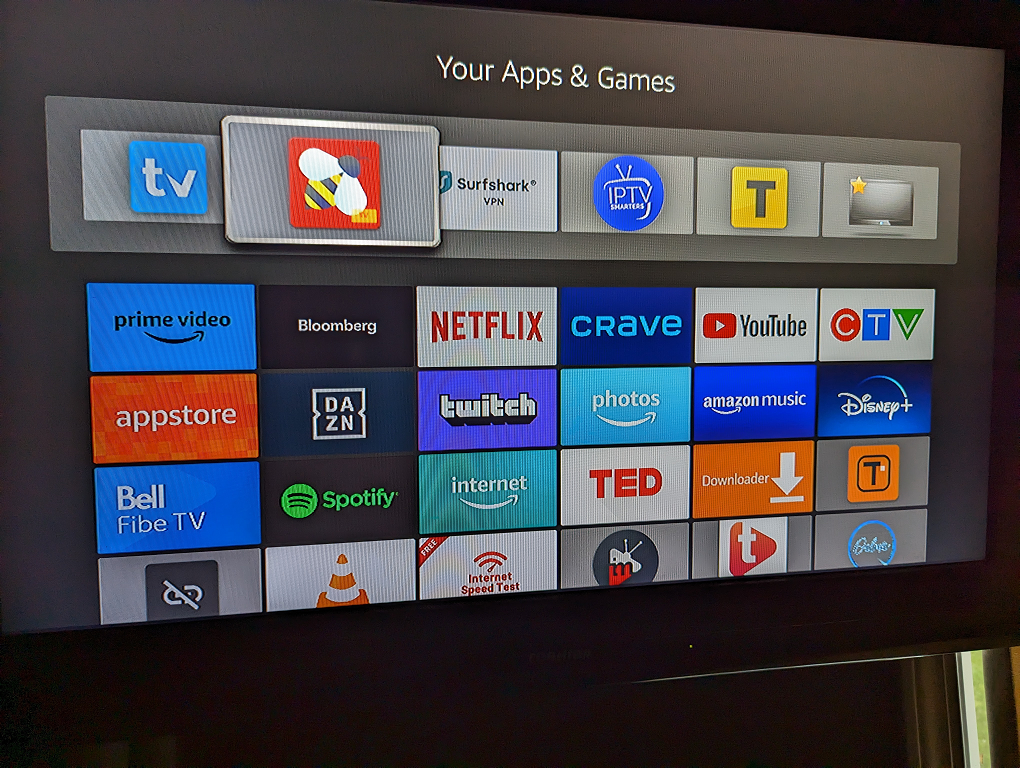
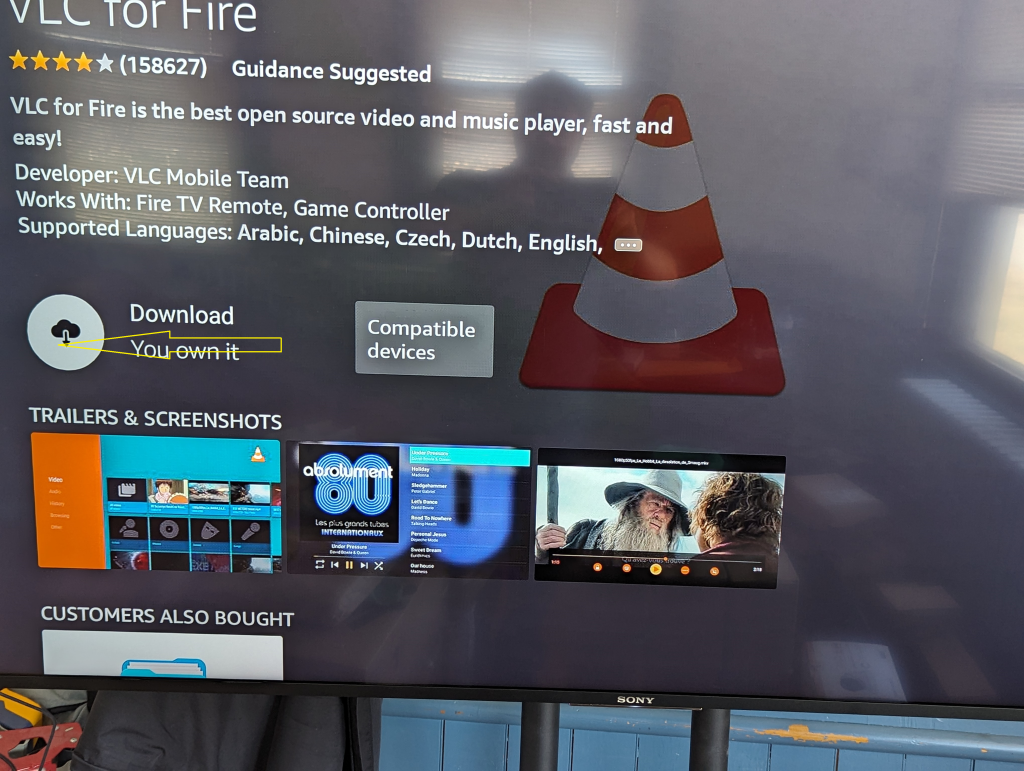
First you need to go download VLC player for fire stick. If vlc is already installed, go to step 5
1 – Go to Home screen click Find
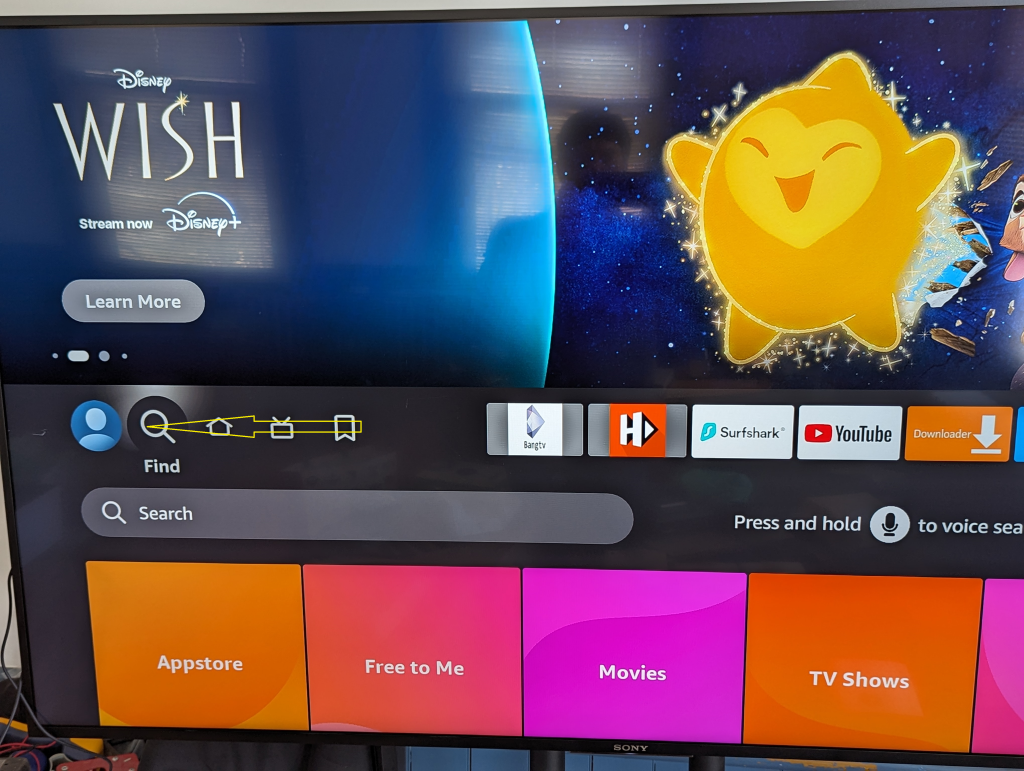
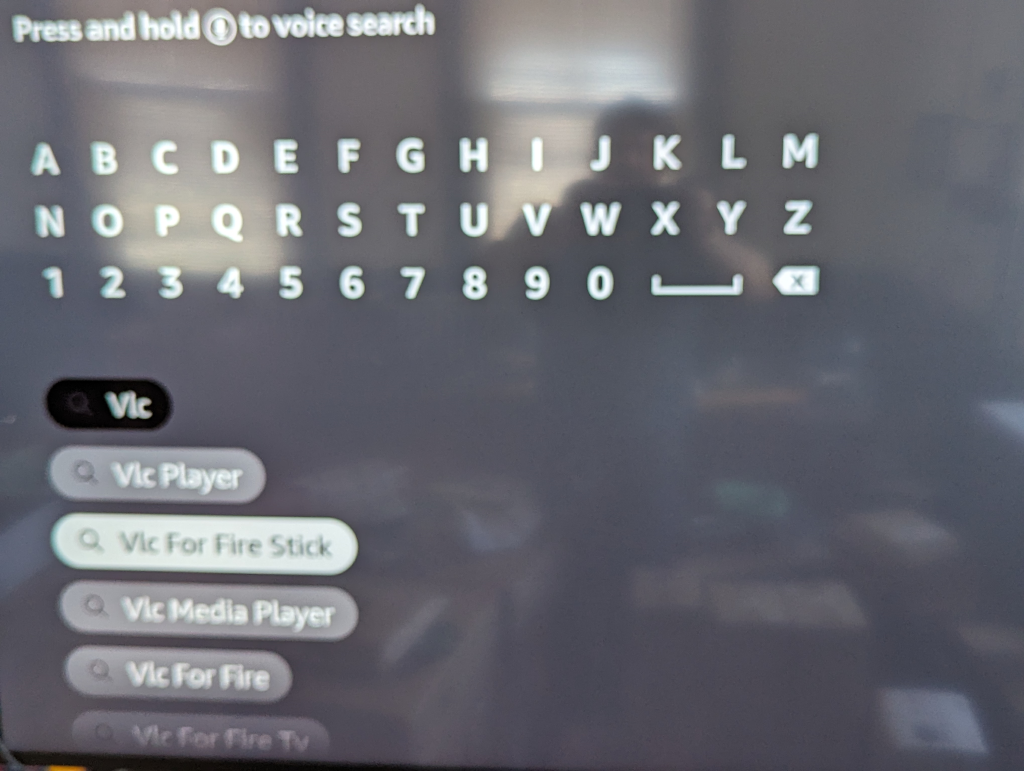
2 -Enter VLC and choose VLC for Fire Stick
3 -Click on the First one
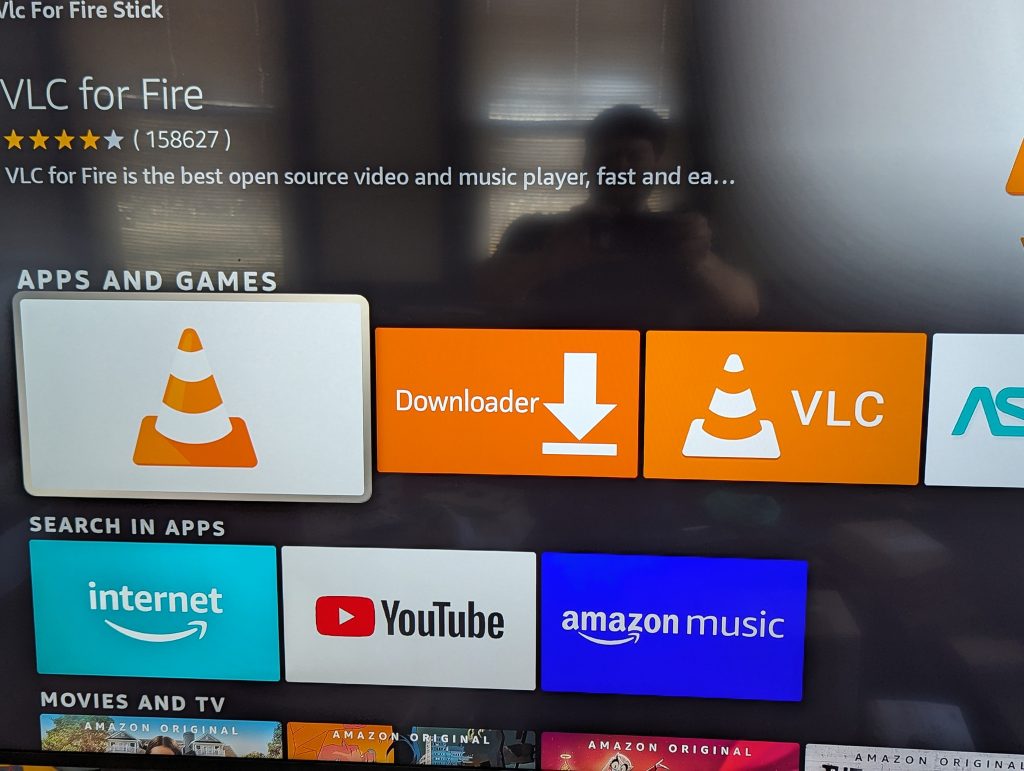
4 – Click on Download, this will install VLC media Player
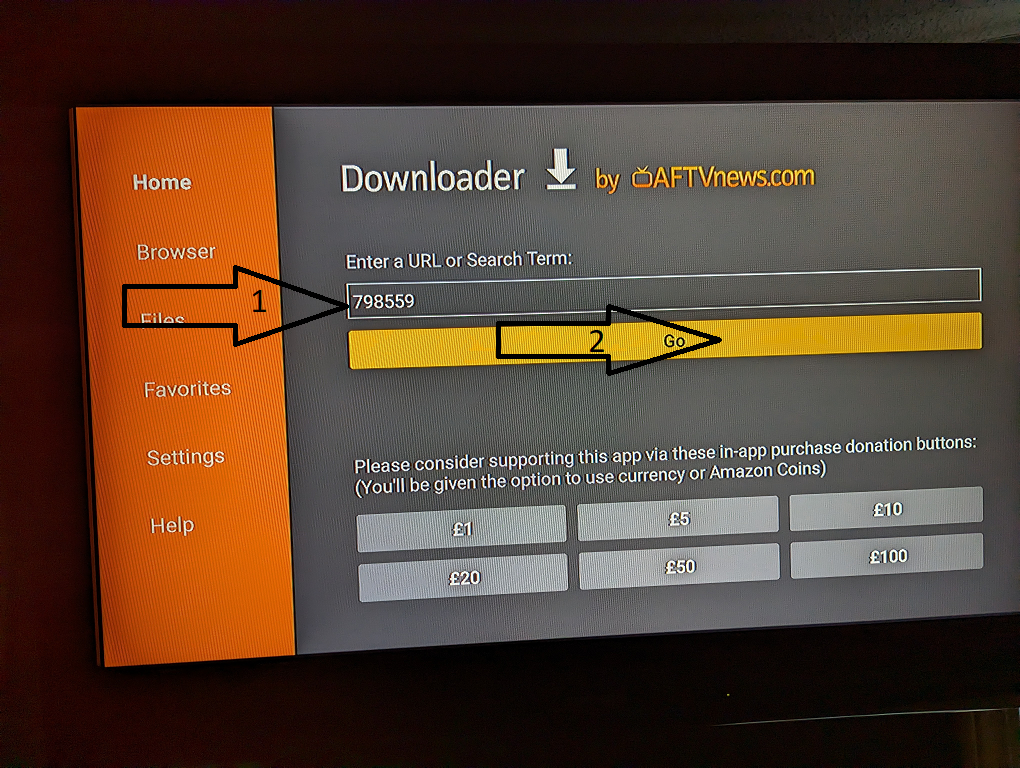
Go to home screen and Open downloader app, if not on main screen, you can find it in all other apps by clicking the three boxes with the +
5 – Enter 181059 in URL or Search Term
Press ok
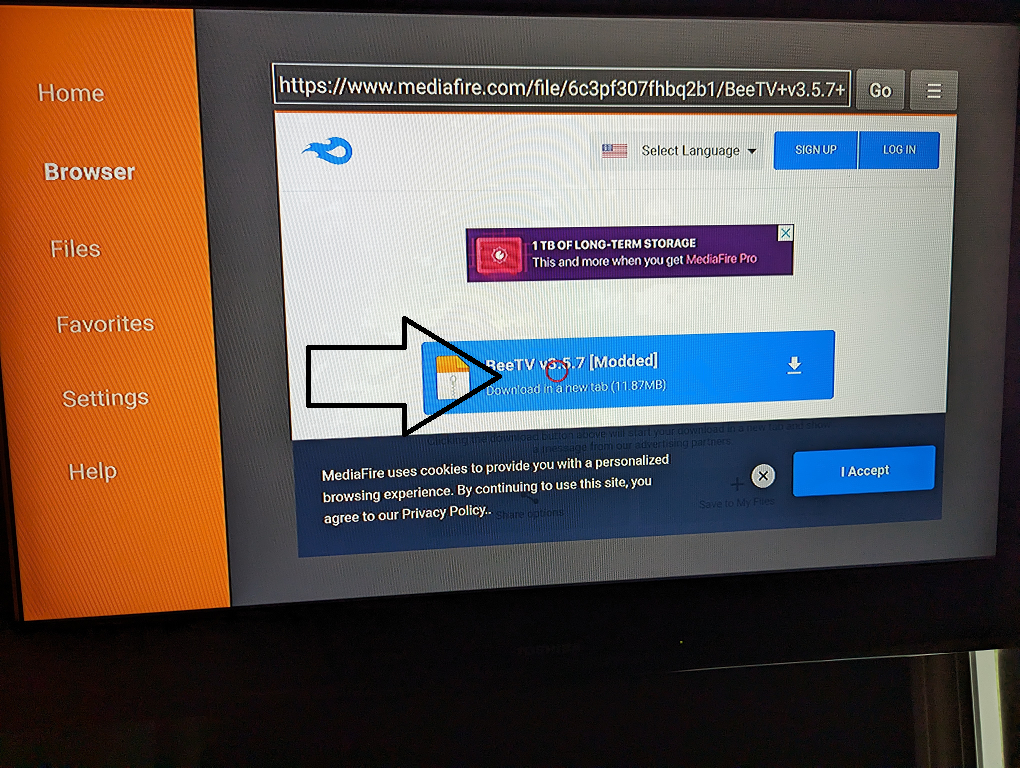
6 – Scroll to the Beetv and click on it to download than install it.
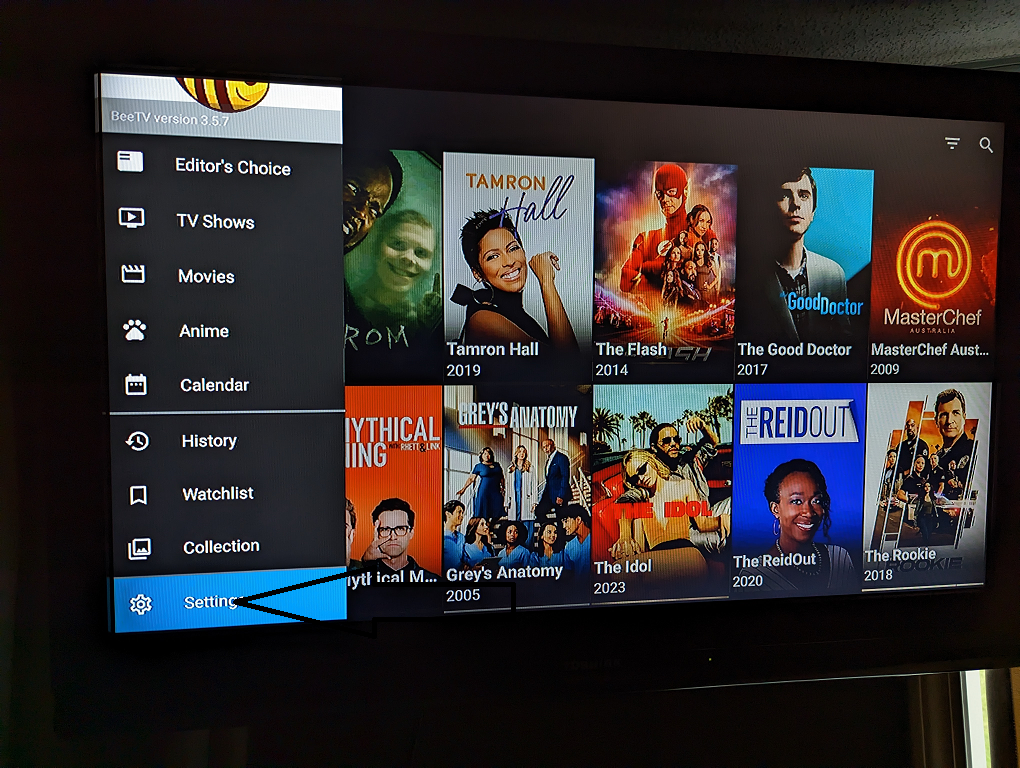
7 – Open Beetv and go to settings by click the three lines on top right and choose settings
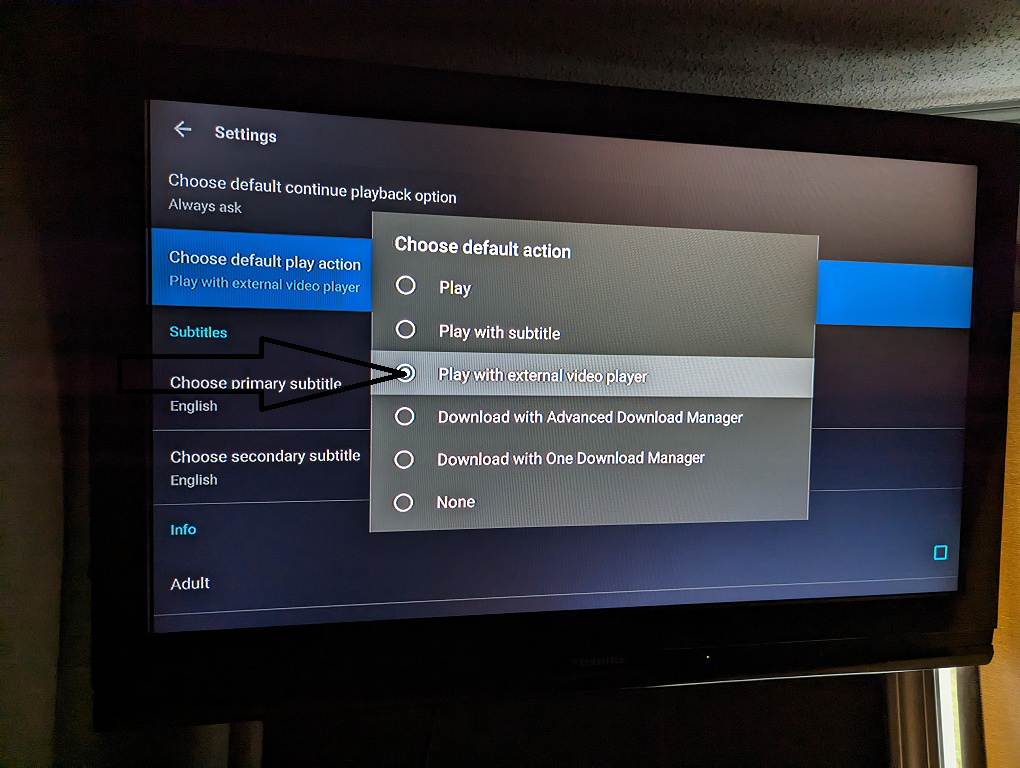
8 – Find choose default play action towards bottom, select Play with external video player
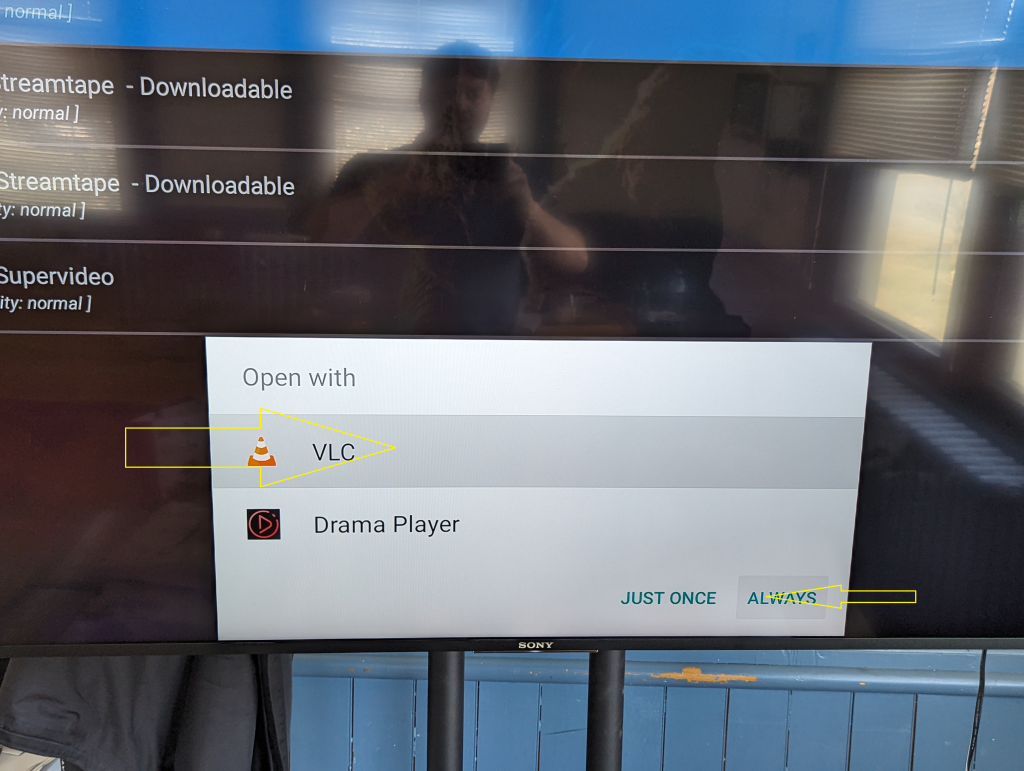
9 – The first time you click on a link, choose VLC and always at the bottom
10 – If you want Beetv on main screen, find it in all the apps, select it by pressing the center button of the remote for a second or two, then move it with the arrows.